Ask Maps for Pharmacies: Answer Patient Questions Now
RevealSite Team
November 16, 2026 · 10 min read
Key Takeaways
✓Treat your Google profile, reviews, and website as the only sources of truth, since Google retired the Q&A API on November 3, 2025 and Ask Maps now generates answers from them.
✓Test Ask Maps on your own pharmacy listing from a phone, because early reviews found it missing for most healthcare providers and no source confirms pharmacies either way.
✓Fill every profile field in order: categories, hours, services and attributes, description, photos, then posts.
✓Ask reviewers for specifics like delivery or wait time, never for health details, and reply within two days without confirming anyone is a patient.
✓Publish short, direct answers on service, location, and FAQ pages, since 88% of healthcare appointments are scheduled by phone, according to Invoca, so keep contact details clear.
✓
Build the presence your community trusts
Let us be your first step. Get in touch with our team today.
Repeat a five-question test monthly and fix the source behind every wrong answer, because Ask Maps responses can't be edited directly.
Ask Maps for pharmacies is Google's new way for patients to ask a question about your store without calling, scrolling, or reading old answers. RevealSite helps independent pharmacies manage their Google Business Profile (the listing patients see in Google Maps and Search), reviews, and websites, and this guide shows how to make each one answer patients accurately now that Google Q&A is gone.
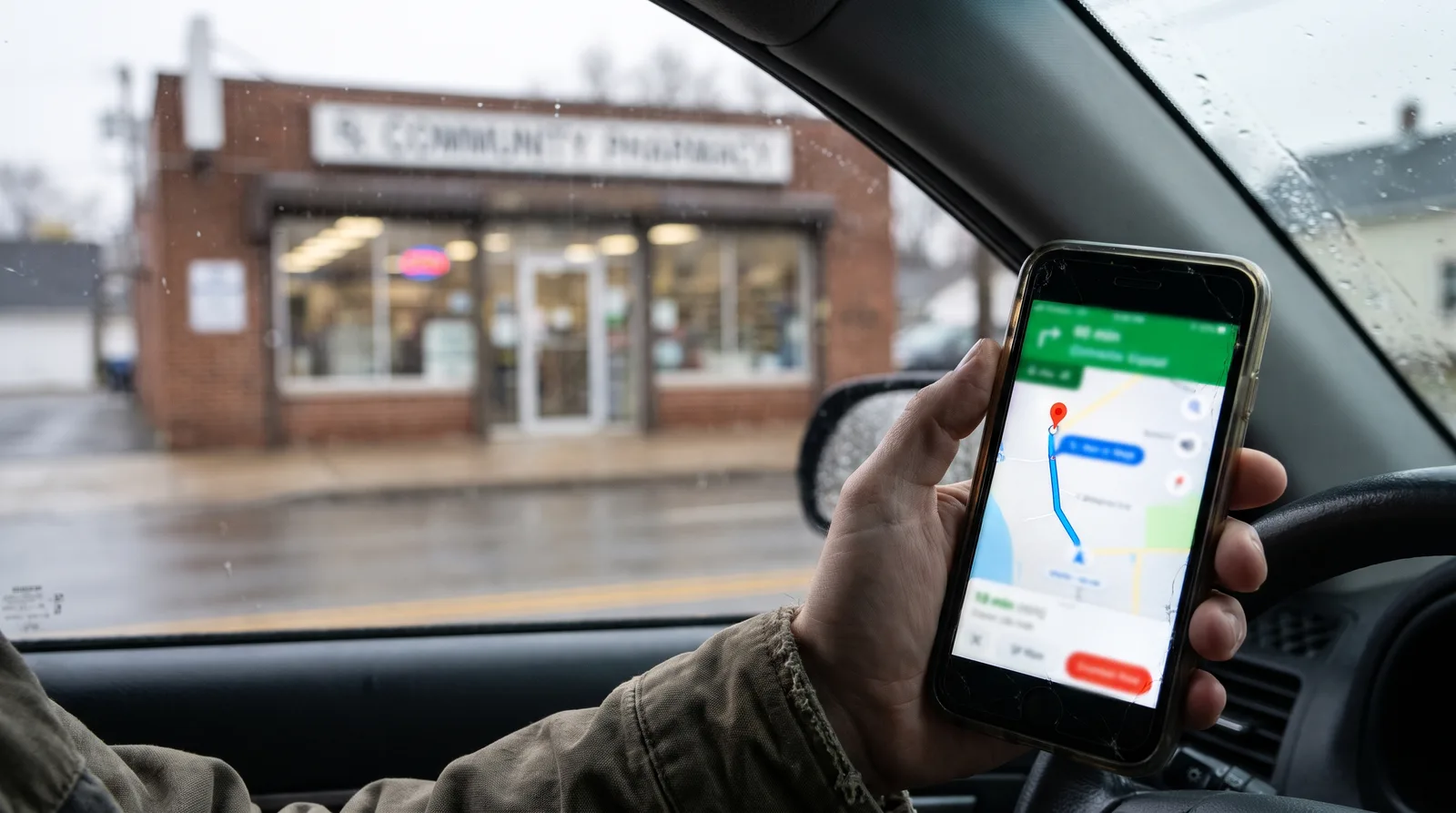
Picture a patient in a parked car asking, "Does this pharmacy deliver, and is it open Sunday?" She won't wait for a reply. Google will answer from whatever it can find, so the facts you publish become the answer.
Below, you'll see what changed, whether Ask Maps appears for pharmacies, which questions matter, and how to use your profile, reviews, and website to answer them.
What Is Ask Maps for Pharmacies, and Why Did Q&A Go Away?
Ask Maps is a Gemini-powered feature in Google Maps that answers patient questions about a place in real time. It replaced the public Q&A on profiles, so answers now come from your profile, reviews, and website instead of a list you manage.
The change happened in steps. According to BrightLocal's guide, Google retired the Q&A API on November 3, 2025, then confirmed that Q&A was changing. Google first announced the Gemini feature in October 2024, and early versions appeared on some listings before it introduced the full conversational Ask Maps in March 2026, first in the U.S. and India on mobile.
Old Q&A had real flaws. Anyone could answer a question about your store, and answers went stale when services changed. The new system fixes that, but it takes control away: you can't write the answer, only the facts behind it.
The wider shift is bigger than one feature. Pew Research Center found that 58% of U.S. adults ran at least one Google search with an AI-generated summary in March 2025. Patients increasingly get answers before they click anything.
Will Ask Maps Show Up for Your Pharmacy in Google Maps?
Possibly. A verified, active, and complete Google Business Profile gives Ask Maps the facts to work with, but Google hasn't said which categories get it, and no source confirms pharmacies. Ask Maps can reach you through a question box on your listing or through recommendations, so test both on a phone.
Test your own listing on a phone, because answers can differ from what you expect.
Your Google Business Profile is the information Google Maps shows on your listing, and Ask Maps reads it first. Verification, active status, and complete fields help it answer accurately. They don't decide whether the feature appears, because Google controls which categories get it.
The doubt comes from an early Search Engine Journal review. It found the question box missing on most healthcare provider listings, including counseling and similar categories, though dentists had it. BrightLocal's summary adds regulated categories like dispensaries. Neither mentions pharmacies, and availability may have changed since.
How Do You Test Your Own Pharmacy?
Open Google Maps on your phone and search for your pharmacy by name.
On the Overview tab, look for an option such as "Ask Maps about this place."
If it appears, ask five questions patients really ask, and note each answer and its sources.
Back on the main map, tap Ask Maps and ask a general question, such as which pharmacy nearby is open late, and see whether your store is recommended.
Repeat on a different day, because generated answers can change, and write down every wrong or missing answer as a fix list.
Here's the useful part. Even if the question box never appears on your listing, your profile, reviews, and website still shape how your store appears in Maps and search. The work pays off either way.
Which Patient Questions Should Your Google Profile Answer?
Your profile should answer the questions that decide a visit: hours, delivery, vaccines, transfers, services, and languages. Ask Maps pulls from descriptions, services, attributes, hours, photos, and posts, so every field you leave blank is a gap a guess can fill.
Patient question
Where the answer should live
What to publish
Are you open now or on Sunday?
Profile hours and special hours
Exact regular, holiday, and storm hours
Do you deliver?
Attributes, services, and website
Delivery area and how to request it, without prices you can't keep current
Can I get a flu shot there?
Services, posts, and website
Immunizations offered and how to book or walk in
Can I transfer my prescriptions?
Website transfer page and profile link
Simple steps and a call button
Do you compound medications?
Services and website
A plain description of what you prepare, per individual prescription
Completeness pays off in classic Maps too. Semrush's local SEO statistics, citing SOCi, show that businesses in the local 3-pack get 126% more traffic and 93% more calls, clicks, and direction requests than those in positions 4-10. A full profile helps you win both the ranking and the answer.
Keep claims current and neutral. Don't promise stock levels, same-day service, or emergency refills unless your pharmacist-in-charge confirms you can deliver them. A wrong answer repeated by AI is harder to fix than a missing one.
Want your profile ready for patient questions?
The RevealSite team sets up and manages Google Business Profiles, reviews, and websites for independent pharmacies.
How Do Reviews Answer Questions Before Patients Ask?
Reviews answer questions because Ask Maps reads them and cites specific details, such as fast pickup, friendly staff, or easy delivery. Detailed, recent reviews give Google real experiences to quote, while a generic five-star rating adds almost nothing to an answer.
Patients trust them. BrightLocal's 2024 survey found that 88% of consumers would use a business that replies to all its reviews, compared with 47% for one that ignores them. Replies also add facts, such as "yes, we deliver within town," that can feed later answers.
Ask for specifics: invite reviewers to mention service, delivery, vaccines, or wait time.
Keep health details out: never ask patients to name a medication or condition.
Skip incentives: don't offer gifts or discounts for reviews.
Reply within two days: thank the reviewer and keep wording generic.
Patterns matter more than any single review. When ten patients mention easy parking or quick vaccine visits, Google has repeated evidence to summarize. Ask your team to mention the review link after friendly moments, such as a smooth pickup or a first-time transfer.
A safe reply sounds like "Thanks for stopping in, we're glad delivery worked for you." Confirming that someone is a patient is not safe. For wording help, use these pharmacy review response examples and learn how to get more pharmacy reviews.
What Should Your Website Say So Google Can Quote It?
Your website should state each fact in plain sentences on the page where a patient would look for it: services, hours, delivery, transfers, and contact details. Ask Maps uses website content, including service pages and FAQs, so clear pages give it quotable answers.
Short, direct answers on your own pages give Google accurate facts to quote.
Write for a person first. Lead with the direct answer, then add one supporting detail. "Yes, we deliver within Springfield on weekdays. Call the store by noon for same-day routes" beats a paragraph of marketing copy.
Build one page per service, such as immunizations, delivery, compounding, and medication synchronization.
Give each location its own page with hours, parking, a map, and a phone number.
Add a patient FAQ page with short answers to the questions in the table above.
Match the name, address, and phone number to your Google profile exactly.
Keep patient information out of every page, form, and example.
What Should You Never Publish If You Want Safe, Compliant Answers?
Never publish patient information, dosing advice, outcome claims, stock promises, or anything you can't keep current, because generated answers can repeat any text on your profile, reviews, or website. Keep content factual and general, and invite patients to call the store for medical questions.
That rule protects patients and your license. Google can quote the wrong line out of context, so write every sentence as if it will be read alone.
Patient details: no names, photos, or stories without explicit written HIPAA authorization.
Clinical advice: no dosing, brand, or substitution recommendations anywhere.
Replacement claims: never imply a service replaces a physician consultation.
Outcome claims: no promised results for compounded medications or weight-loss programs.
Prices and stock: skip anything you can't update the same day.
If you compound, say plainly that compounded medications are prepared per individual prescription and are not FDA-approved drug products. For secure forms and tracking, read this guide to a HIPAA-compliant pharmacy website, and for hard reviews, see how to handle negative pharmacy reviews.
How Do You Fix Wrong Answers and Measure Results?
You fix a wrong answer by correcting the source it came from, because BrightLocal reports there's no current way to edit or report an Ask Maps response. Then measure results through calls, direction requests, website clicks, and new transfers, since Google doesn't list the questions patients ask.
Compare what Google says with what your numbers show, then fix the source.
Start with consistency. A wrong phone number or old hours on one directory can undercut your profile. Search your number, list each mismatch, and fix the biggest directories first. If a third-party site is wrong, politely ask its owner to update it.
Metric
Where to find it
What to watch
Calls
Profile insights and a tracking number
More calls while you're open
Direction requests
Google Business Profile insights
Growth after hours and photo updates
Website clicks
Profile insights and site analytics
Clicks that reach transfer or service pages
New transfers
A counter question and a form source field
A steady rise in your target areas
Review count and rating
Your Google profile
New detailed reviews each month
Calls deserve special attention. Invoca's healthcare research found that 88% of healthcare appointments are scheduled by phone. And Backlinko, citing Google, reports that 76% of consumers who run a "near me" search visit a related business within one day.
Repeat your five-question test every month for a quarter. Each wrong answer is a clue about what to fix, and this guide to in-house versus agency local SEO can help you decide who should own that routine.
Ask Maps for pharmacies comes down to one habit: publish accurate facts in the places Google reads, then check what it says. Run your first five-question test this week and write down every gap. Fix hours, services, and reviews first, then your website pages. See how pharmacy Google Maps ranking works for the ranking side.
Ready to prepare your pharmacy for patient questions with RevealSite?
Meet with the RevealSite team to review your profile, reviews, and website, and map a plan that makes every answer accurate.
Ask Maps is Google's Gemini-powered feature that lets patients ask questions about a place inside Google Maps and get a generated answer. For pharmacies, answers draw on your profile, reviews, and website, so accurate hours, services, and delivery details matter most.
Did Google remove Q&A from Business Profiles?▼
Yes. According to BrightLocal, Google retired the Q&A API on November 3, 2025 and replaced Q&A with Ask Maps. You can no longer manage a public question list, so the information on your profile and website now does the answering.
Does Ask Maps appear on every pharmacy listing in Google Maps?▼
Not necessarily. Early reviews found the Ask Maps question box missing on most healthcare provider listings, and Google hasn't published category rules or confirmed pharmacies. Open your listing in Google Maps on a phone to check, then prepare your sources either way.
Can I correct a wrong Ask Maps answer?▼
BrightLocal reports there's currently no way to edit or report an Ask Maps response. The fix is to improve the sources it uses: your profile, reviews, and website, plus any directory with wrong details. Ask third-party site owners politely to update errors.
Can I see what patients ask Ask Maps about my pharmacy?▼
Reports so far say Google doesn't show the questions in your Business Profile dashboard. Track calls, direction requests, website clicks, and new transfers instead, and run your own five-question test every month to spot gaps and wrong answers.
Does RevealSite help pharmacies prepare for Ask Maps?▼
Yes. RevealSite builds custom websites and manages Google Business Profile work, reviews, and local search for independent and compounding pharmacies across the United States. You can request a free demo to review how your profile and website answer patient questions.